
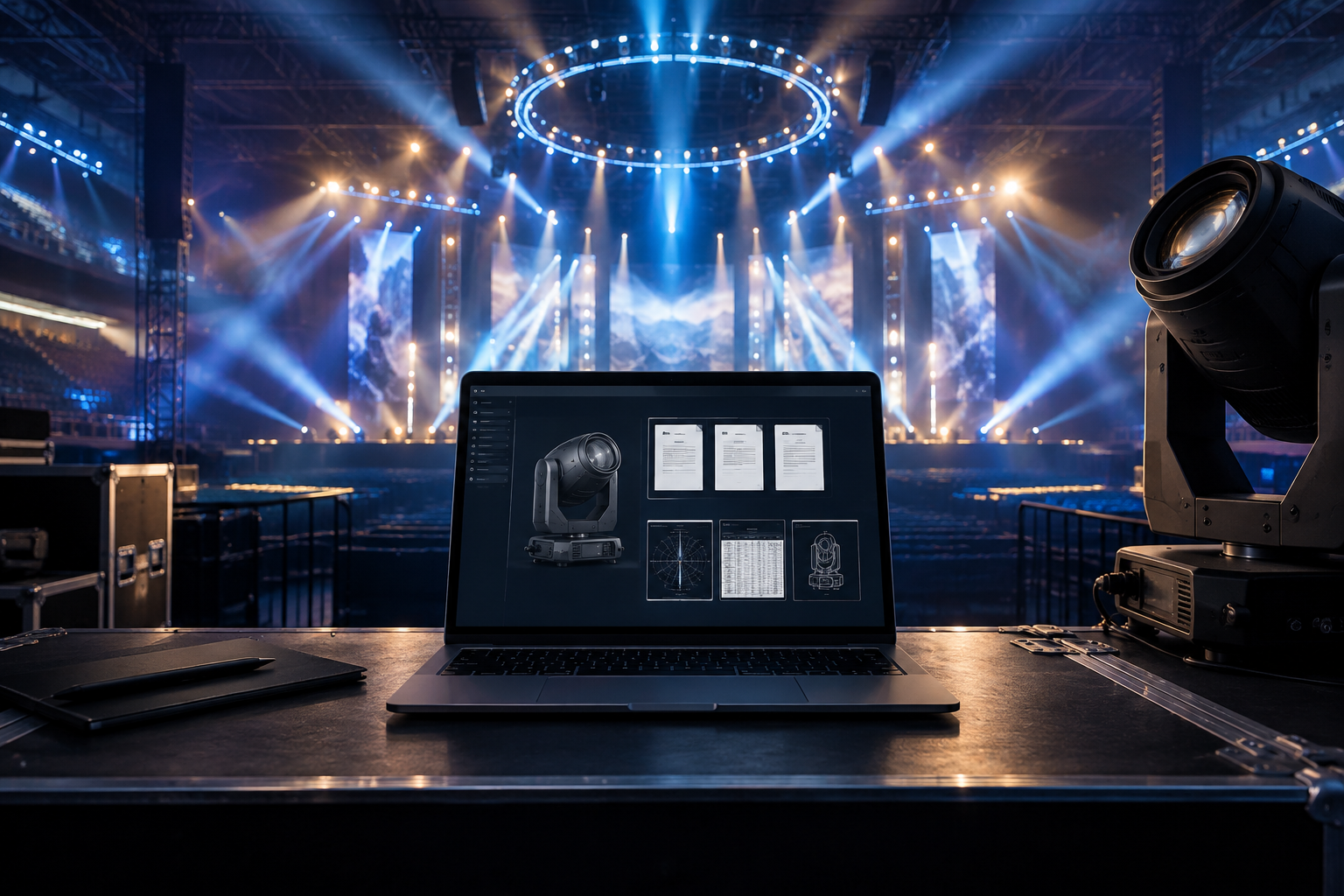
Most current documentation and technical resources for Elation fixtures can be found directly on the individual product page for your specific fixture model.
Firmware can generally be found either on the product page or through the Elation Support Forum.
Finding Product Documentation
Visit the Elation Professional website and search for your exact fixture model.
Open the product page and scroll through the available product information and resources.
Depending on the product, available resources may include:
User Manuals
DMX Traits / DMX Documentation
Specification Sheets
Photometric Data
CAD or Dimensional Drawings
Vectorworks Symbols
Firmware
Other product-related files and resources
Available documentation varies by product.
Always confirm that you are viewing information for your exact fixture model. Features, menu options, DMX modes, specifications, and firmware may differ between similar products or different generations.
Finding Firmware
There are two primary places to look for Elation fixture firmware:
1. Fixture Product Page
Start with the individual product page for your fixture on the Elation Professional website.
For many fixtures, the current publicly available firmware is provided directly on the product page, typically within the product information or specifications area.
2. Elation Support Forum
Additional firmware, firmware information, release notes, or updates may also be available through the Elation Support Forum.
Search the forum using the exact fixture model name to locate information specific to your product.
Before installing any firmware:
Confirm it is intended for your exact fixture model.
Check the firmware version currently installed on the fixture.
Review any available release notes or update instructions.
Confirm the required update method.
Confirm whether your fixture requires C-Loader, E-Loader III, Ethernet, USB, or another update method.
Never assume firmware for a similarly named fixture is compatible.
Can't Find the Firmware You Need?
Some fixtures may have different hardware generations or revisions that require specific firmware.
If you cannot locate the appropriate firmware on either the product page or Support Forum, contact Elation Support.
Please provide:
Fixture model
Serial number
Current firmware version
Firmware version requested, if known
A brief description of the issue or what you are trying to accomplish
The fixture's serial number is particularly important when different hardware revisions may exist.
Can't Find the Fixture or Product Page?
Older or discontinued products may not appear within the current product categories on the Elation website.
Search the website using the exact product name or model number.
If you still cannot locate the product page or documentation you need, contact Elation Support with the fixture model and serial number so we can help identify the correct information.
Parts Breakdowns
Parts breakdowns, exploded views, and certain service documentation may not be publicly available on product pages.
If you require a parts breakdown or service-related documentation for a specific fixture, contact Elation Support and provide:
Fixture model
Serial number
Description of the part or information you need
Important Firmware Warning
Do not install firmware intended for another fixture model, hardware revision, or product generation, even if the products appear similar.
If you are unsure which firmware is appropriate, do not proceed with the update. Contact Elation Support with the fixture model, serial number, and currently installed firmware version so the correct firmware can be identified.
I’d also put actual buttons/links in this article for “Search Elation Products” and “Visit the Elation Support Forum.”That turns this from an informational article into something that actually gets the customer where they need to go.